
On this page 10 sections
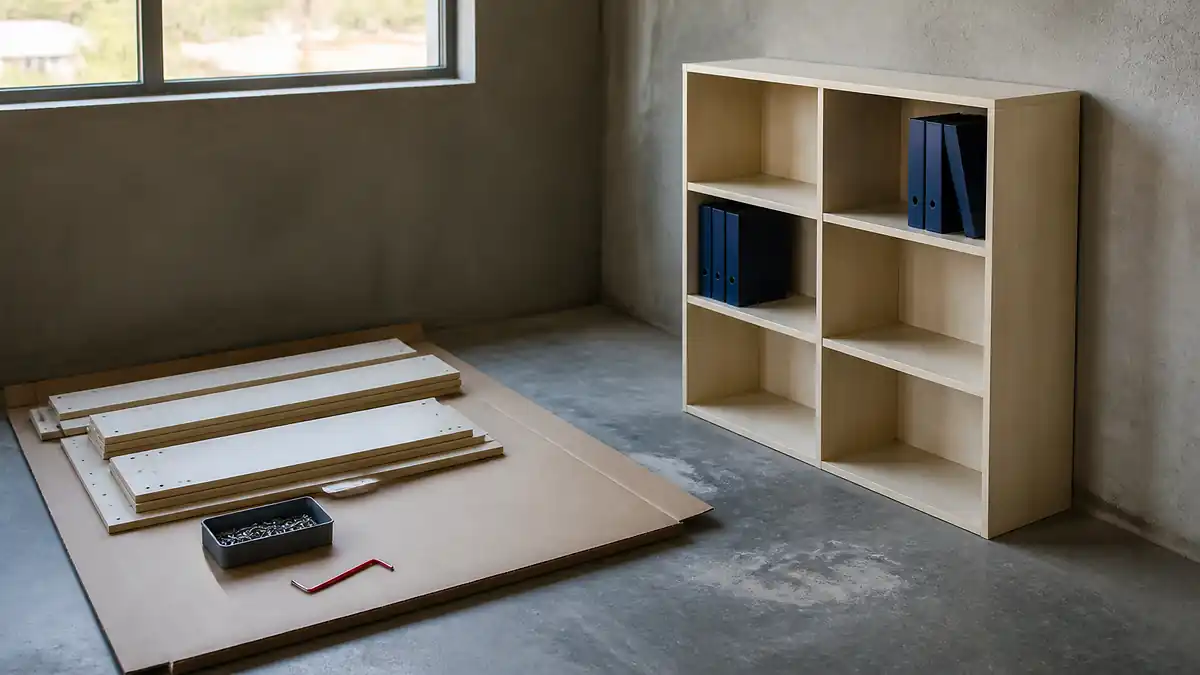
Should you build your own website or hire a web developer? Build it yourself if you need a small, simple site and have the time to learn it and look after it. Hire a developer if the site has to bring in customers, take payments or connect to other systems, or if your time is worth more than the work.
Neither choice is wrong. The mistake is picking one without knowing what the DIY route really involves.
Short answer
- DIY suits a small brochure site, a side project or a first test of an idea.
- Hire a developer when the site must win leads or sales, needs custom features, or has to work with your other software.
- DIY is not free. You pay in time, ongoing upkeep and the work of getting the legal and technical basics right.
- A middle route works well: have a developer set up the foundation, then edit the content yourself.
What "DIY" really means
DIY usually means one of two things.
- A website builder. You pay a monthly fee and drag pieces into place. It is fast to start, but the site lives on the builder's platform. Wix's help centre says a Wix site has to be hosted and run on Wix's servers (opens in a new window), although you can connect a domain you bought elsewhere. Wix Studio documents an early-stage option to export your site as code (opens in a new window), still marked as Alpha. Check the current terms before you commit.
- Self-hosted WordPress. You install the free software on a host you choose. WordPress.org says you are then responsible for configuring and maintaining it (opens in a new window). That includes updates: WordPress states that only the latest version series is actively maintained (opens in a new window).
Either way, you become the person who looks after the site.
When DIY makes sense
DIY is a sensible choice when most of these are true:
- The site is small: a few pages, a contact form, your hours and your address.
- You enjoy this kind of work, or you are happy to learn it.
- No one is losing money if the site is slow, down or wrong for a week.
- You do not need to connect it to a booking system, stock list, accounting package or customer database.
- You can live with the limits of a template.
When to hire a web developer
Hire help when one or more of these apply:
- The site is how you win work. Layout, wording, speed and search set-up decide whether enquiries arrive.
- You need custom features: bookings, quotes, a customer area, calculators or an online shop.
- It has to talk to other systems, such as your accounting software, CRM or payment provider.
- You handle personal information or sell online. The rules below then apply to you.
- Your time is the scarce resource. Hours spent fighting a layout are hours not spent on customers.
The work that DIY hides
Legal information
If you sell through your website, the Electronic Communications and Transactions Act (ECTA) lists information you must show. It includes the full price with taxes and fees and your return and refund policy (section 43 (opens in a new window)). If you collect personal information, POPIA also expects you to tell people about it (section 18 (opens in a new window)). This is general information, not legal advice. Ask a lawyer about your own situation.
Search visibility
Appearing in Google costs nothing (opens in a new window), but the page must be reachable, load properly and have content Google can index. A template does not guarantee any of that.
Accessibility
Accessible design helps many users (opens in a new window), not only people with disabilities. Builders vary in how much help they give you, so test your own pages.
Upkeep and security
Someone has to apply updates, watch for problems and keep backups. On a builder that is partly done for you. On self-hosted WordPress it is up to you or whoever you hire.
Lock-in
Moving a site later can mean rebuilding it. Ask where your content, images and domain will live before you start.
DIY or developer: a quick comparison
| DIY builder | Self-hosted WordPress | Developer-built | |
|---|---|---|---|
| Time to a first version | Short | Medium | Longer |
| Money up front | Low | Low to medium | Higher |
| Custom features | Limited | Plugins | As needed |
| Who looks after it | You (platform helps) | You or a developer | Agreed with your developer |
| Easy to move later | Often not | Yes | Depends on the build |
| Best for | Simple, low-risk sites | Content sites you edit yourself | Sites that must perform or connect |
Questions to ask yourself
- What must the site do for the business in the next 12 months?
- Who will update it, and how often?
- What happens if it is down for a day?
- Does it need to connect to anything else?
- How many hours can I spend without hurting the rest of my work?
If the answers are "not much", "me", "nothing", "no" and "plenty", DIY is a fair choice. If not, get a quote. Our guide to how to choose a web development agency shows what to look for, and how much a website costs explains why prices vary so much.
A middle route
You do not have to choose all or nothing. A developer can build the structure, set up search and security, and hand you an editor so you can change text and images yourself. You keep control of day-to-day content, and the technical parts are done properly. See WordPress vs a custom website for the options.
If you go the DIY route
Do these five things so you can change your mind later:
- Register the domain in your own name. Never let a builder or a friend hold it. See choosing a domain name.
- Keep every login in a password manager, and store them somewhere your business can reach.
- Check what you can export before you build: pages, images and customer data.
- Add the basics: a privacy notice, contact details and, if you sell, the information the law asks for.
- Test on a phone and ask someone else to try a task on your site.
How we can help
We build WordPress and custom websites and can also set up a site you then manage yourself. Read about our web development or get in touch and tell us what the site needs to do.
Facts checked on 20 November 2026. Sources: Wix Help Center (opens in a new window), Wix Developers (opens in a new window), WordPress.org (opens in a new window), ECTA section 43 (opens in a new window), Google Search Central (opens in a new window), W3C WAI (opens in a new window). Wix and WordPress are trademarks of their owners.